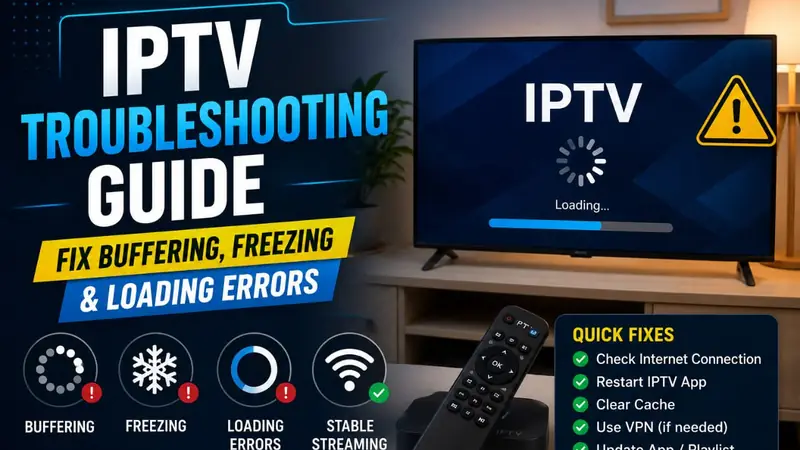
Experiencing IPTV issues? Before contacting support, try these proven fixes for the most common IPTV problems.
Problem 1: IPTV is Buffering or Freezing
Check Your Internet Speed
Go to fast.com and run a speed test. You need at least 5 Mbps for HD and 15+ Mbps for 4K. If your speed is lower than expected, restart your router.
Use a Wired Connection
Wi-Fi can be unstable. Connecting your Firestick or Smart TV directly to your router via ethernet dramatically improves IPTV stability.
Reduce Network Congestion
If multiple devices are streaming or downloading simultaneously, your IPTV may buffer. Try pausing other heavy internet activities while watching.
Problem 2: Channels Not Loading
First, close and reopen your IPTV app. If that doesn't work, go to your app settings and refresh the channel list. If channels still don't load, your M3U URL may have been updated — contact us on WhatsApp for a fresh link.
Problem 3: Error Message / Authentication Failed
This usually means your subscription has expired or the credentials have changed. Contact our WhatsApp support immediately — we'll verify your account and resolve it within minutes.
Problem 4: Picture Quality is Poor
Check if your IPTV app has a quality setting — some apps default to a lower resolution to save bandwidth. Set it to HD or Auto for the best picture. Also ensure your internet speed is adequate for the quality you want.
When to Contact Support
If you've tried all the above steps and still have issues, contact our 24/7 WhatsApp support. We can refresh your server connection, switch you to a backup server, or send updated credentials instantly.
Having a persistent issue? Our support team resolves 95% of problems within 10 minutes.
Contact Technical Support